
Clinics
One record from the appointment to the claim.
EzDx runs a clinic: scheduling, the patient record, the encounter note, the order to the lab and the claim to the insurer, on one system — reporting to Malaffi, on the same payer connections that 2,000+ HSA sites already work through.
Unlimited
users**
3
health information exchanges
1 day
to onboard*
* Hardware and network ready on the day. Authority connections and data migration are scoped separately.
** Non-clinical users, within reasonable operational limits.

Approved and connected


What it does
Everything between the appointment and the payment.
A clinic loses time in the joins — reception to consulting room, consulting room to lab, lab to claim. EzDx removes the joins by keeping one record from booking to reimbursement.
Scheduling and reception
Appointment booking, patient reminders and calendar management across doctors and rooms.
One patient record
A unified EMR and EHR: history, medications, allergies and past encounters in one place, available to the doctor before the patient sits down.
Encounter notes that fit the specialty
Notes, forms and templates customised per specialty, so documentation is complete without being retyped.
Orders and results
Lab and radiology orders raised from the encounter, with results routed back to the ordering doctor. We build these interfaces to order — tell us which lab and imaging systems you use.
Billing and claims
Charges captured from the encounter and claimed through Doctor Billing: eligibility, approval, submission, remittance and denial correction.
Reporting
Clinic throughput, doctor activity, payer performance and financial reporting, from the record rather than from a re-entry.
A day in the clinic
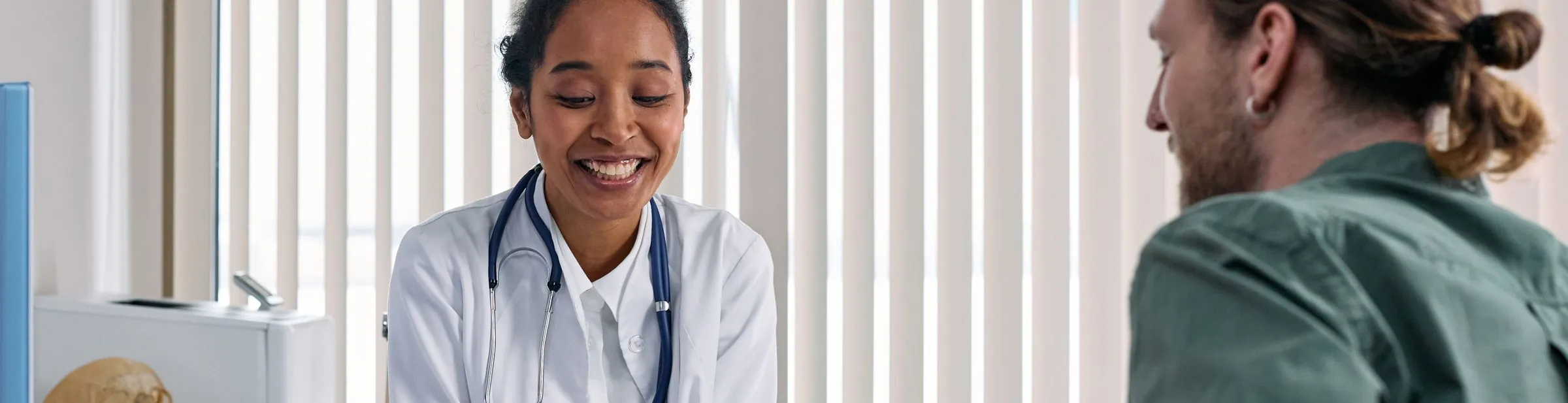
How the visit actually goes.
STEP 01
Booked
The appointment is made, the patient is reminded, and reception has the record open before they arrive.
STEP 02
Seen
The doctor opens one record: history, medications, allergies and past encounters. The note is written on a template that fits the specialty.
STEP 03
Ordered
Lab and radiology orders are raised from the encounter and the results come back to the doctor who asked for them, not to a pile at reception.
STEP 04
Claimed
The diagnosis and procedures recorded in the note become the claim, and it goes to the payer without anyone transcribing a thing.
Inside the product
Modules, in the order you'd meet them.
Three screens carry the clinic day, from the front desk to the payer.
Schedule and reception
Where the day is shaped: appointments by doctor and room, reminders, and the patient record open before the consultation starts.
Appointments Reminders


The encounter
Where the clinical record is made: history, medications and allergies alongside specialty templates for the note, so documentation is complete at the point of care rather than reconstructed afterwards.
EMR / EHR Specialty templates


Orders and results
Where the diagnostics live: lab and radiology orders raised from the encounter, with results routed back to the ordering doctor and filed against the patient.
Lab & radiology Routed back


Proof
One record from the front desk to the remittance.
The consultation note, the lab order and the claim are the same record now, so nothing gets re-typed at the end of the day. Our doctors finish their notes before they leave, which did not used to happen.
Dr Samir Khoury
Medical Director · Rashid Polyclinic, Dubai
40 min
less admin per doctor per day
Nil
claims re-keyed from a paper note
Deployment
One day to install, configure and train, with your hardware and network ready. Specialty templates are set up with your doctors, and lab or radiology interfaces are built to order alongside — they depend on the other system, so they are scoped separately rather than promised in the day.
Works with
Pairs with the rest of the suite.
Each of these does its own job. Most customers add the next one once the first has paid for itself.
Questions
The four things clinics ask first.
Do you report to Malaffi?
Yes. EzDx reports to Malaffi on connections we already run for 2,000+ sites.
Which lab and radiology systems do you connect to?
We build these interfaces to order, and have done it before. Tell us which lab and imaging systems you use and we will connect them.
How do claims work?
Through Doctor Billing, which takes the diagnosis and procedures from the encounter and puts them through eligibility, approval, submission and denial correction on Shafafiya.
Can we bring our existing patient records across?
Yes. Patient demographics, history and encounters migrate; the scope depends on what your current system can export, so we review it before you commit rather than after.
See it on your own workflow.
Tell us which authority licenses you and what you run today. We'll configure the walkthrough for your market — thirty minutes, no slide deck.
A specialist replies within one business day
Onboarded in one day once you are ready
We review your data migration before you commit